

What’s Included
Everything That Comes with Your System.
The equipment on your walls, the things the house does for you, and clear paperwork before you commit.
On This Page
Every Project Includes
The Baseline, Whatever the Size of the Job.
- The system itself, sized to suit your home and neatly hidden away.
- The app set up on every phone and tablet in the household.
- Engraved wall keypads, labelled in plain words, in the style and finish you prefer.
- Every room and button set up and tested by us before handover.
- All cabling and electrical work done by our own team, not subcontracted.
- A Full Set of Drawings you can keep, showing the lighting, power, data, audio and security planned for your home.
- A handover walkthrough for everyone who lives there.
- A workmanship warranty.
- Software updates and remote support after you move in — optional, with your say-so; day-to-day control stays in the house.
Room by Room
Ideas for Every Room.
Here’s how a family home with a cinema room might come together. Every home is tailored to the people living in it, from a single room to the whole house.
Entry & Foyer
- A wall touch screen that runs the whole house and shows what’s on around it.
- Fingerprint reader that unlocks the front door and disarms the alarm in one go.
- Alarm keypad, and a video intercom you can answer on the touch screens and your phone.
- Lights that come on as you disarm in the evening.
Kitchen & Family
- A touch screen beside the island bench.
- A TV sized to the room with a soundbar, plus ceiling speakers over the kitchen for the TV sound and music.
- Mood lighting that changes by itself from day to evening.
- USB power points on the island.
Living or Activity Room
- A TV with surround sound from in-wall and ceiling speakers, scaled to the room.
- A wall plate for a games console, or keep the console tucked away and play it on any TV.
- The TV and console are cabled in, so nothing relies on Wi-Fi.
Cinema or Media Room
- A projector and screen or a large TV, sized to the space.
- Immersive surround sound, including speakers in the ceiling.
- Press Movie: the lights fade down, the blinds close and nothing switches on to spill light on the screen.
- Pause the film and low path lights come on to the kitchen and toilet. Press play and they go off.
Main Bedroom
- Touch screens at the door and beside the bed, wherever they suit.
- A TV with ceiling speakers.
- Goodnight from the bed switches the rest of the house off.
Bedrooms, Hallways & Bathrooms
- Lights that come on as you walk in, and softer late at night.
- Bathroom exhaust fans that switch themselves off, so they’re never left running.
- Ceiling fans on low, medium, high or off from any keypad, screen or phone.
Outdoors
- Garden and outside lights that come on at sunset by themselves.
- Music outdoors for entertaining.
- As many cameras as the property needs, covering areas such as the porch, garden, alfresco and back yard.
Garage & Equipment Room
- Garage door remotes that also disarm the alarm.
- Alarm keypad beside the internal door.
- All the equipment that runs the house, neatly housed and labelled beside the switchboard and NBN connection.
One Touch
The Buttons You’ll Use Every Day.
These come as standard, on the keypads, touch screens, remotes and app. We rename and adjust them to suit you.
| Button | For | What It Does |
|---|---|---|
| Welcome Home | Having people over, or showing off the house | All garden lights on. Main areas at half brightness. Hallway and toilet lights come on softly as you walk in. Changes from day to evening by itself. |
| Relax | Reading or watching TV in the living room | Garden lights outside the living area on. Main areas at half brightness. Reading lights on. |
| Dinner | Meals in the dining room | Garden lights outside the dining area on. Dining area at half brightness. Table lights at full. |
| All Lights (Panic) | Checking out a noise in the night | A bright, deliberate all-on — every outside light and the main areas at full brightness. Not an alarm siren. |
| Goodnight | Going to bed | Everything off except the bedroom lights. Hallway lights still come on softly as you walk by. |
More Ideas
| Midnight Snack | A soft path of light from the bedroom to the kitchen, which switches itself off. |
| Kids to Bed | Bedrooms and hallways at low brightness. |
| Gym | Garden path lights from the house to the gym, and the gym lights on. |
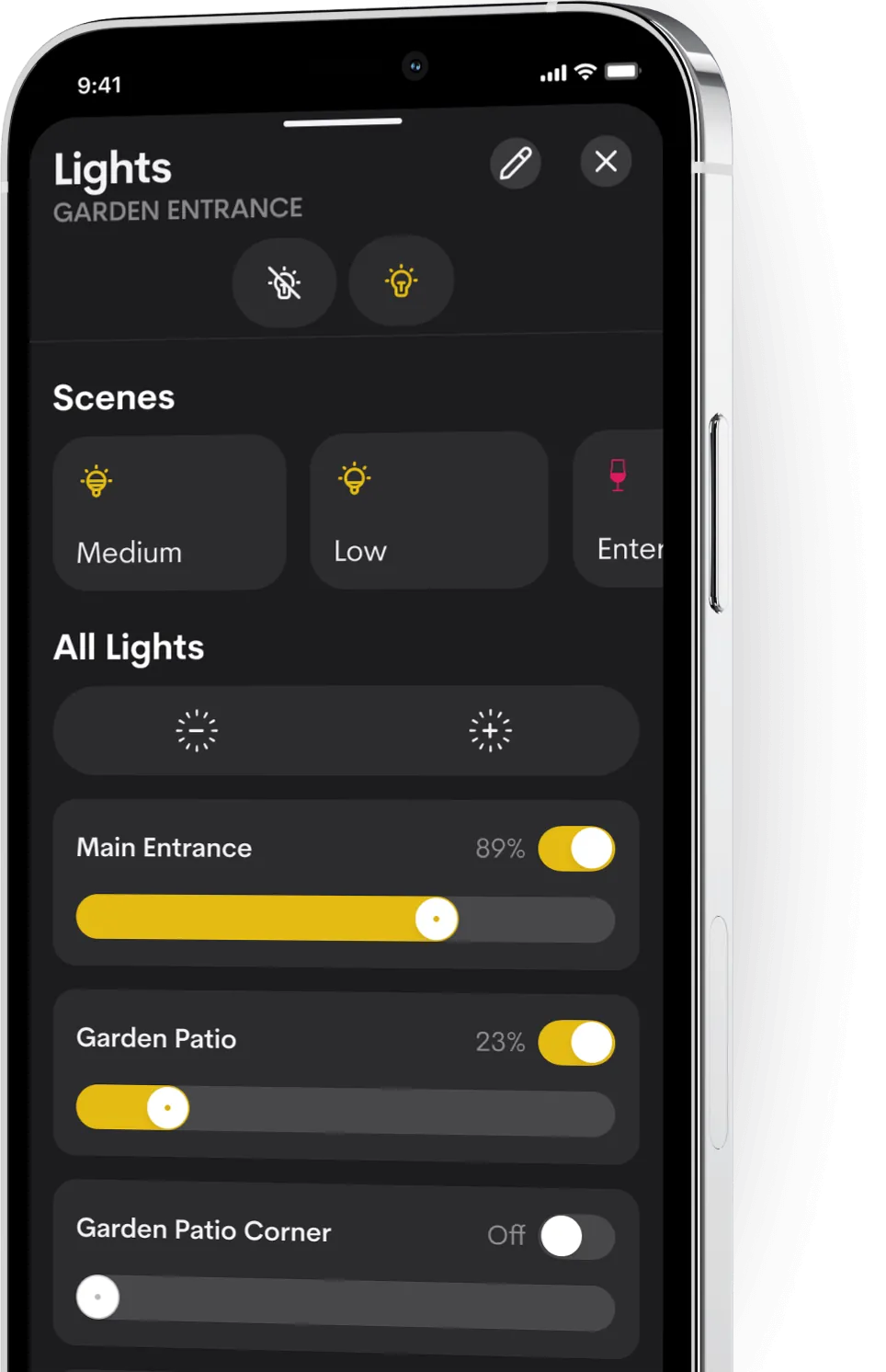
Brightness, in Plain English
- Low: just enough to see where you’re going.
- Half: enough to see what you’re doing without glare. Most mood lighting sits here.
- Full: as bright as it goes.
Example Scopes
Pick a Starting Point.
Each shows what that level can include. Your design is worked out room by room and scaled to your home, so treat them as a guide.
Elegance
The rooms you live in most, calmly controlled. Ideal for apartments, smaller homes, or starting where it matters most.
- Lighting control throughout the home and outside
- Engraved keypads
- The app on every household device
- TV control
- A touch screen where you’ll use it most
- Heating and cooling controlled from your phone or touch screen, room by room where needed
- One-touch Goodnight, Relax and Dinner
- Strong Wi-Fi in every room, with cables where they matter
Signature
The whole house, one experience — new build or major renovation.
Everything in Elegance, plus
- Motorised blinds and curtains that follow the sun and look lived-in while you’re away
- Touch screens where they suit, such as the entry, kitchen and main bedroom
- Multi-room music from the house system or popular wireless speakers
- Watch anything on any TV, with the boxes hidden away
- Alarm and access control, cameras and intercom in the app
- Fingerprint entry at the front door
- All the standard one-touch buttons
Platinum
Estate-scale living: cinema, outdoors, pool — still one quiet system.
Everything in Signature, plus
- A dedicated cinema or media room, sized to the space, with immersive surround sound and lights and blinds that respond to the film
- Lighting that shifts from cool to warm white through the day
- Touch screens in more rooms, and handheld remotes in every media room
- Music outdoors, with tailored lighting scenes for entertaining
- Pool and spa, garden and other systems around the property
We don’t publish prices because every home is different. Tell us about yours and we’ll give you an indicative range.
Documentation
Clear Paperwork.
 (opens a larger view)
You get a Scope of Works, clear drawings and handover documents, with everything set out before you commit. See the full document list.
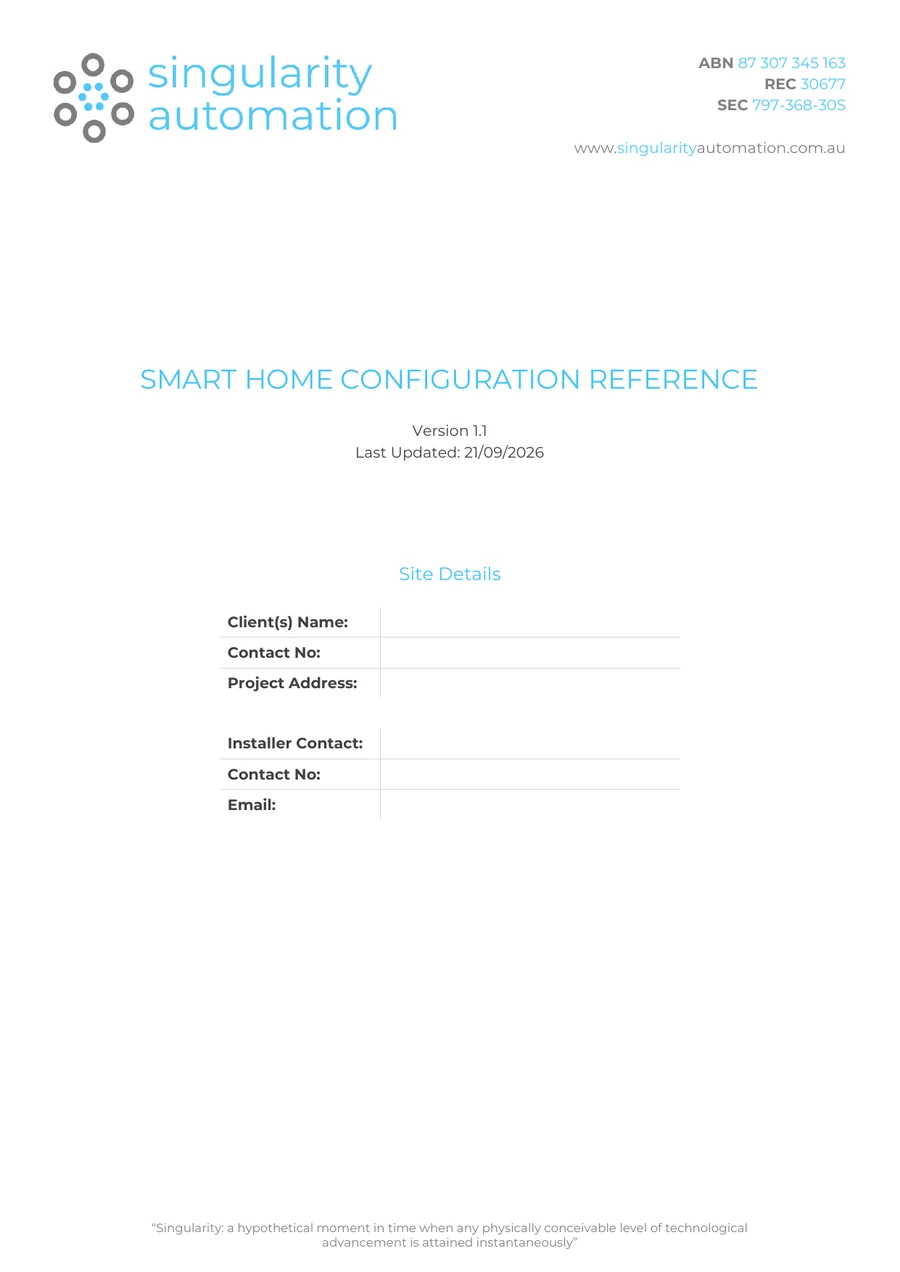
Smart Home Configuration Reference
At handover, this reference gives you a clear record of your system and the settings that make it yours.
Questions
Common Questions.
What Is a Smart Home, Really?
A home where the lighting, blinds, heating and cooling, entertainment and security work together and can be run from one place: a keypad, a touch screen, a remote or your phone. The point is comfort, security and convenience, and switching things off when nobody needs them, with the house handling routine things by itself.
What Happens If the Internet Goes Down?
The system runs inside your house, so the keypads, touch screens and everything the house does by itself keep working. Only control from outside the house, and anything that streams from the internet, waits until the connection is back.
Can I Start Small and Add More Later?
Yes. It’s easiest if the cabling is planned at the start (especially in a new build), but rooms, screens and systems can be added to the system over time.
Do I Need to Replace My Heating and Cooling?
Usually not. The system works with most common heating and cooling systems. We confirm how yours connects during design.
Who Looks After It Once We Move In?
We do. The team that designed and installed it handles changes, additions and updates afterwards.
Can Guests Use It?
Yes. The keypads are labelled in plain words, and everything still works with a button press. Nobody needs the app to turn a light on.
Next Step
Ready to Talk About Your Home?
Tell us what you’d like it to do, and we’ll suggest a starting point and give you an indicative range.