
Technical Detail
For the Technically Curious.
The product families we build with and how the pieces fit together. We choose the exact models for each home during design.
On This Page
System
Local Processing, Sized to the Home.
At the centre of every system is a Crestron Home® processor: a powerful, purpose-built computer that runs the whole house. It’s fast, reliable and designed to run around the clock.
- Sized to the home. The processor range runs from compact units for apartments and small to medium homes, to larger units for bigger homes, home theatres and video to several rooms.
- Switchboards designed around the system. We design each switchboard to neatly house all of the electrical control equipment, with room to grow.
- A dedicated comms rack. Your internet connection, network, processor, entertainment equipment and battery backup live together in one tidy, labelled rack, so everything is in one place and easy to service.
- Built to keep improving. We fit current-generation Crestron® hardware, so your system receives the latest features and updates as the platform continues to grow.
- Runs locally. The logic lives in your house, not in the cloud, so keypads, touch screens, scenes and schedules keep working on your home network even if the internet drops out.
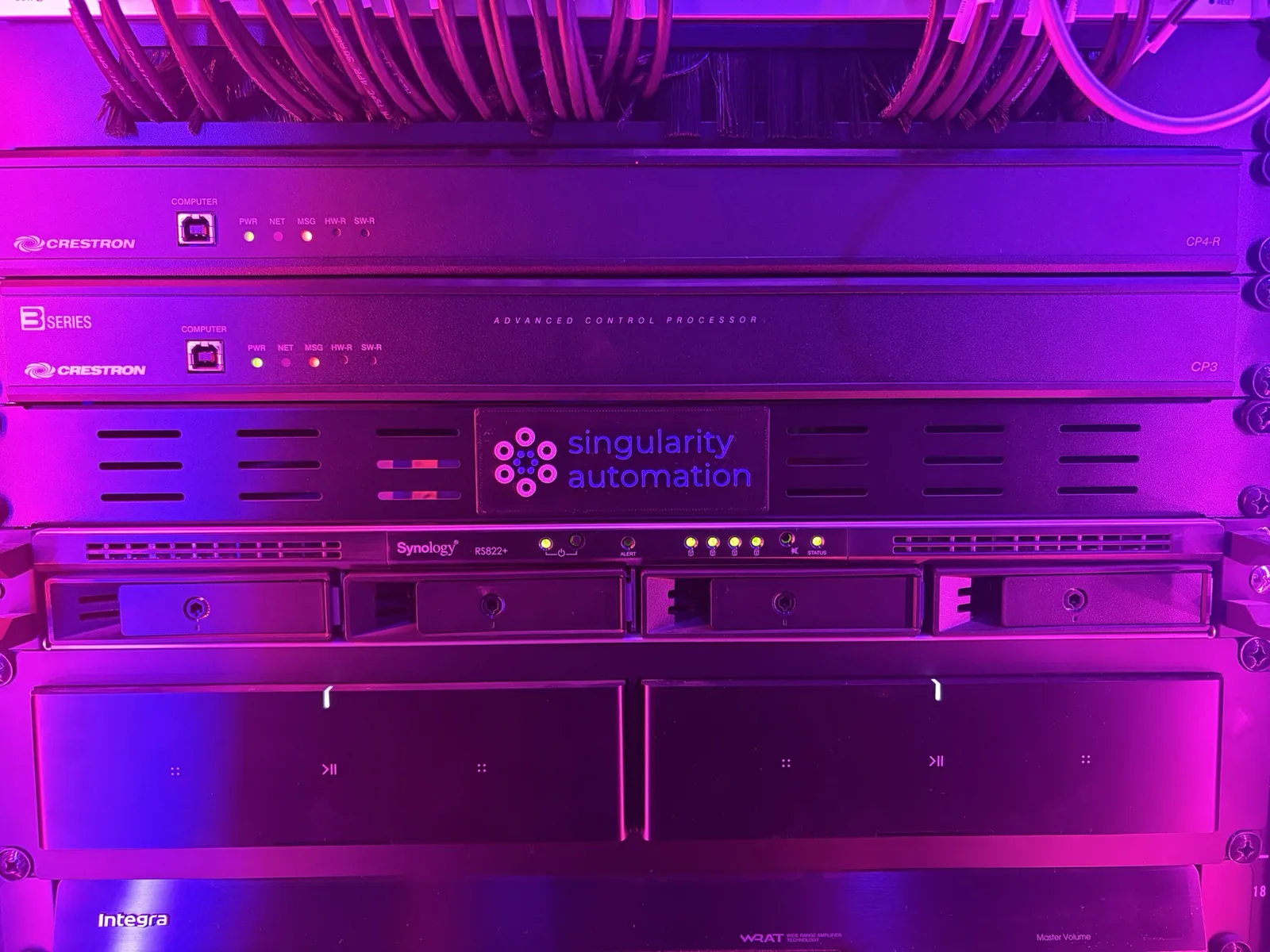
Latest Tech, Quietly Installed
The processors sit neatly with the rest of the system, keeping everything organised and easy to service.
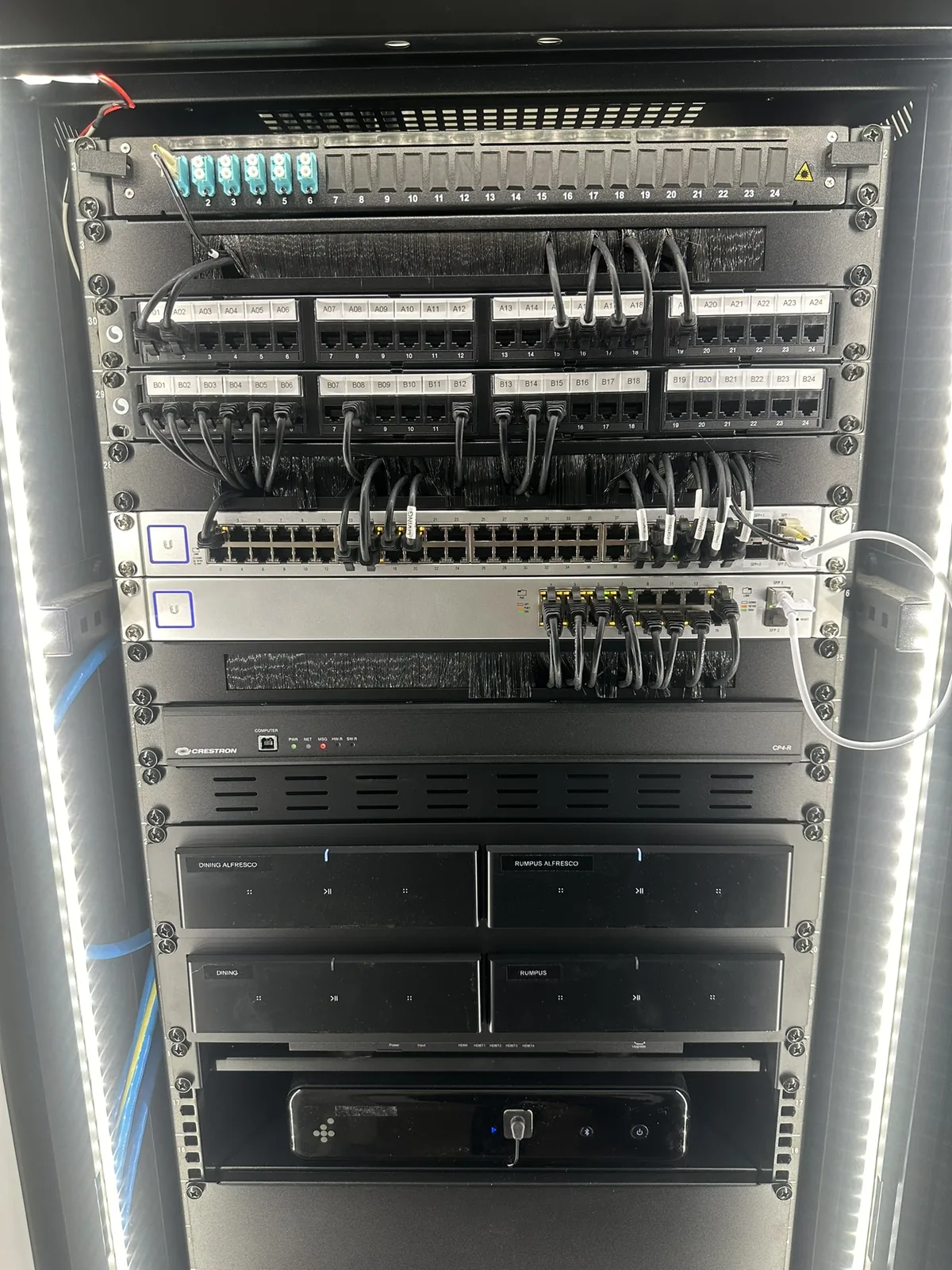
Neat Patching
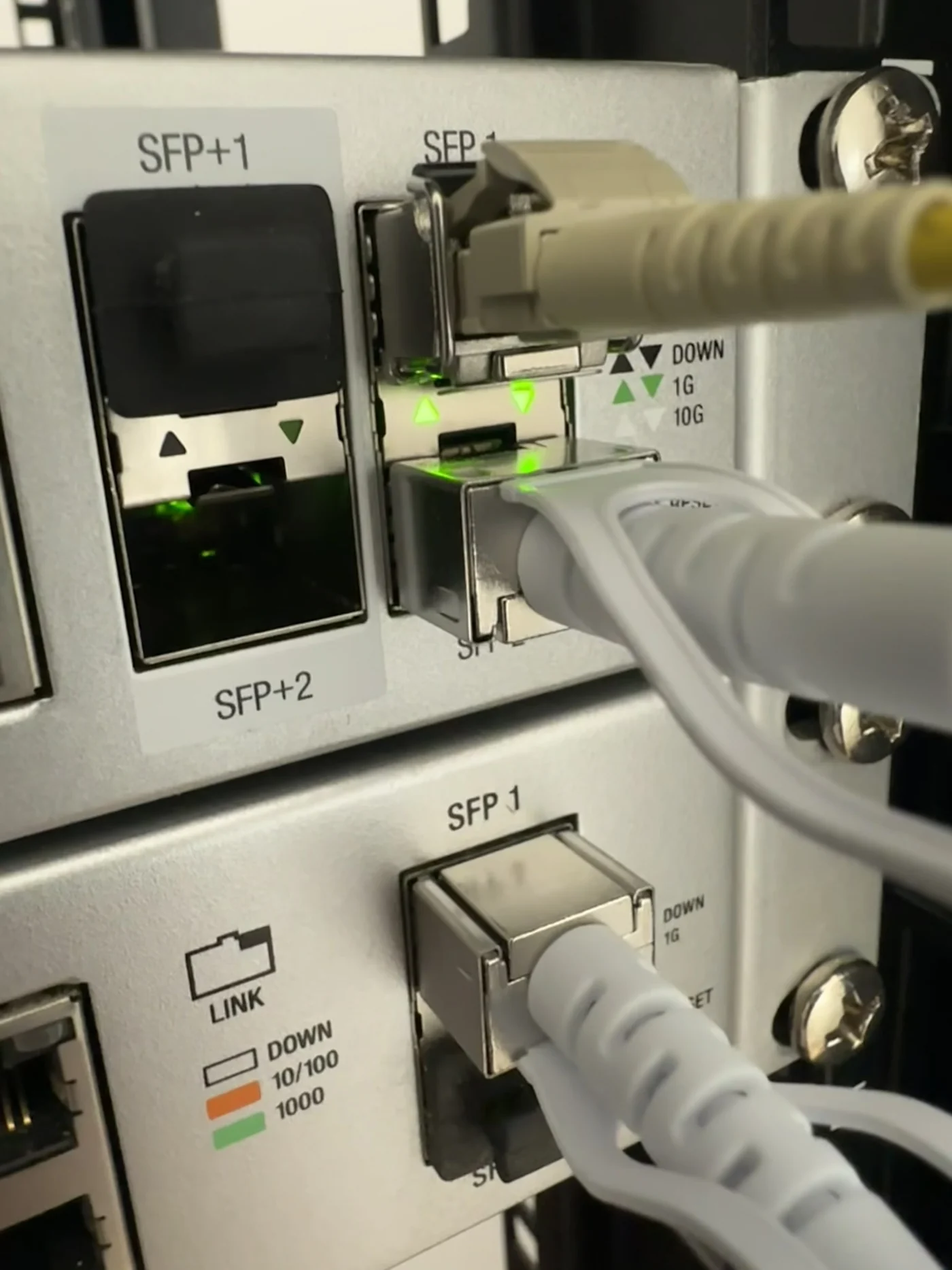
Patching is short and tidy, so the network stays reliable and easy to work on.
Our Own Software
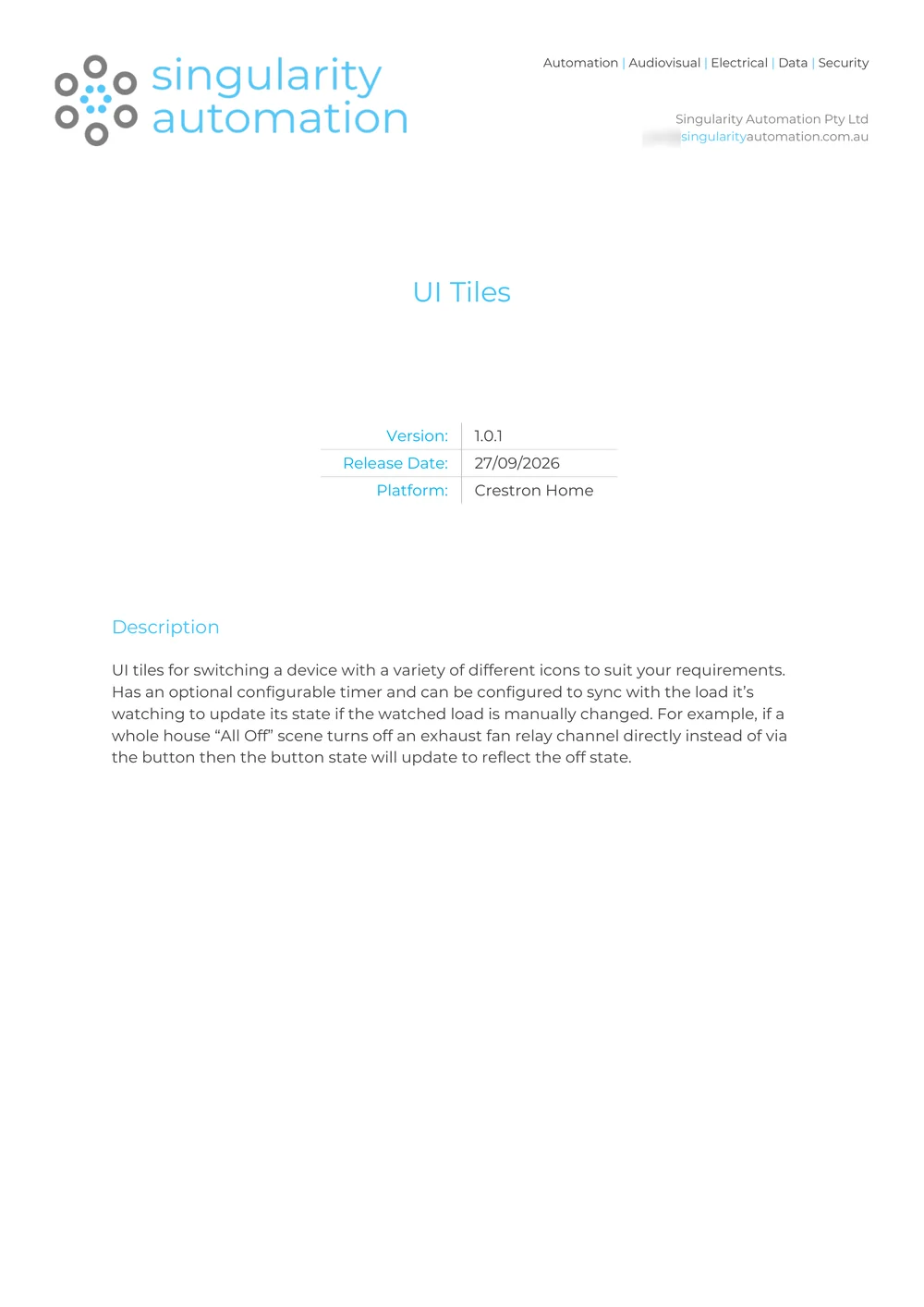
Custom Modules, Written In-House.
 (opens a larger view)
We write the joins ourselves — climate, intercom, pool and whatever else the house needs — so everything sits in one system. Yours to keep; no extra subscriptions.
- Our own modules sit on the processor in your home and remain yours.
- No ongoing licence fees or subscriptions.
- No depending on an outside company to keep them running.
- We keep them up to date as part of ongoing support, and because we wrote them, we can change them whenever your home needs it.
Control
Familiar Controls, in Every Room.
Touch Screens
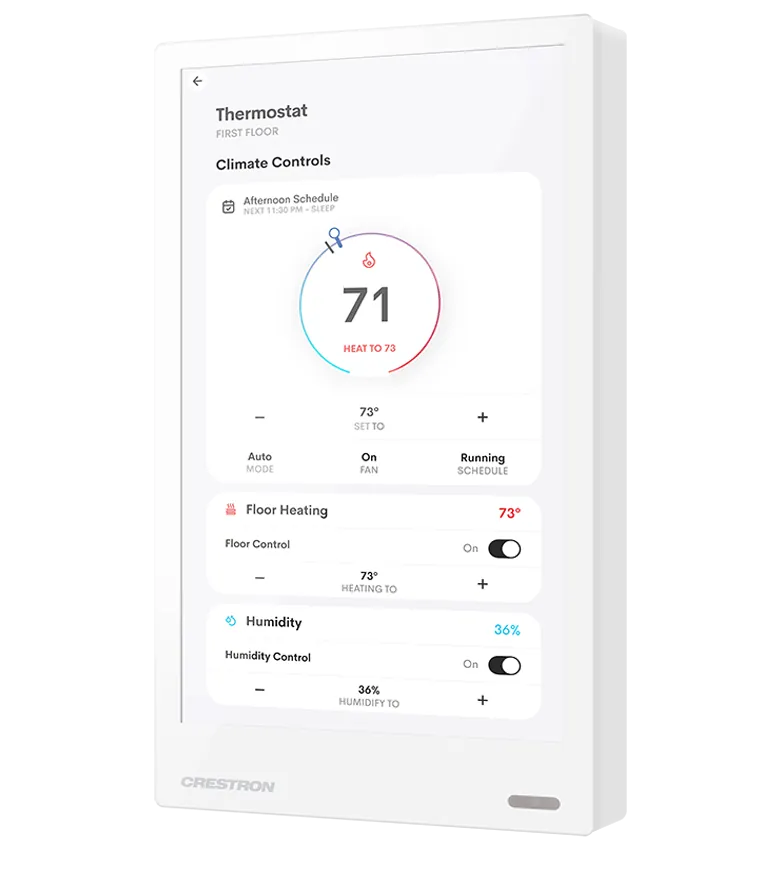
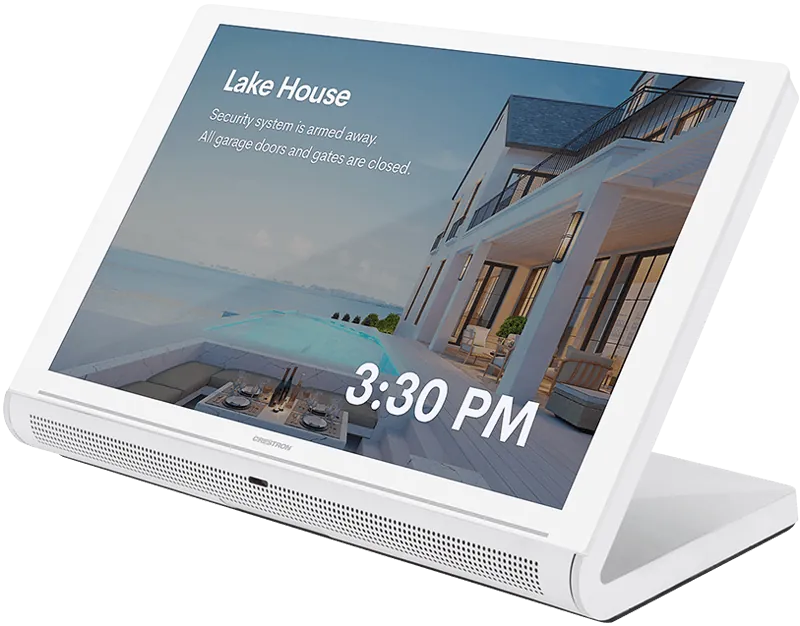
Always on, hard-wired and instant. Wall and tabletop screens go where you’ll use them most, such as the entry, kitchen and main bedroom, in sizes to suit each spot.
Engraved Keypads
- Horizon®, our standard: firm, tactile buttons with engraved labels and soft backlighting, in a range of finishes including metals.
- Cameo®: a wide choice of colours, smooth or textured finishes, and flexible button layouts.
- Matching single-button dimmers in both families for smaller rooms.
- Every button is engraved for what it does, such as Dinner, Relax or Goodnight.
Remotes and the App
Dedicated remotes with real buttons, and a charging dock, for media rooms and the theatre. The handheld remote can include voice control. The app runs on every household phone and tablet, with access set per person and more than one property in the same app.
Voice Control
Google Assistant and Siri are both available, and we set up whichever suits your household. Voice sits on top of the buttons, not instead of them, and scenes are named the way you talk, so asking for them feels natural.
Network
A Wired Backbone, with Wi-Fi Throughout.
- UniFi® switching and access points. Every cable is terminated in the data rack and patched through UniFi network switches, with the whole network managed as one system. Ceiling access points look like smoke detectors, with as many as it takes for strong Wi-Fi throughout the home and garden.
- Hard-wired where it matters. TVs, touch screens, cameras, the alarm, Crestron equipment and AV gear all have a cable, leaving the Wi-Fi free for phones and laptops.
- Structured cabling, coaxial and fibre. Installed by our registered data cablers: data cabling to every device, coaxial for TV antenna points and optical fibre where needed.
- NBN lead-in. Cabled from the NBN connection box to the rack, with your modem set up.
- Synology® storage. Network-attached storage (a NAS: a small file server) in the rack for backups, family photos and your media library.
- The rack. A ventilated equipment rack with power, agreed early in design, with every cable labelled.
- Battery backup, as standard. A rack-mounted UPS (uninterruptible power supply: a battery that takes over the moment the power drops) keeps the system and network running through short outages, and shuts everything down cleanly if the power stays off.
Lighting
Lighting, Run From the Switchboard.
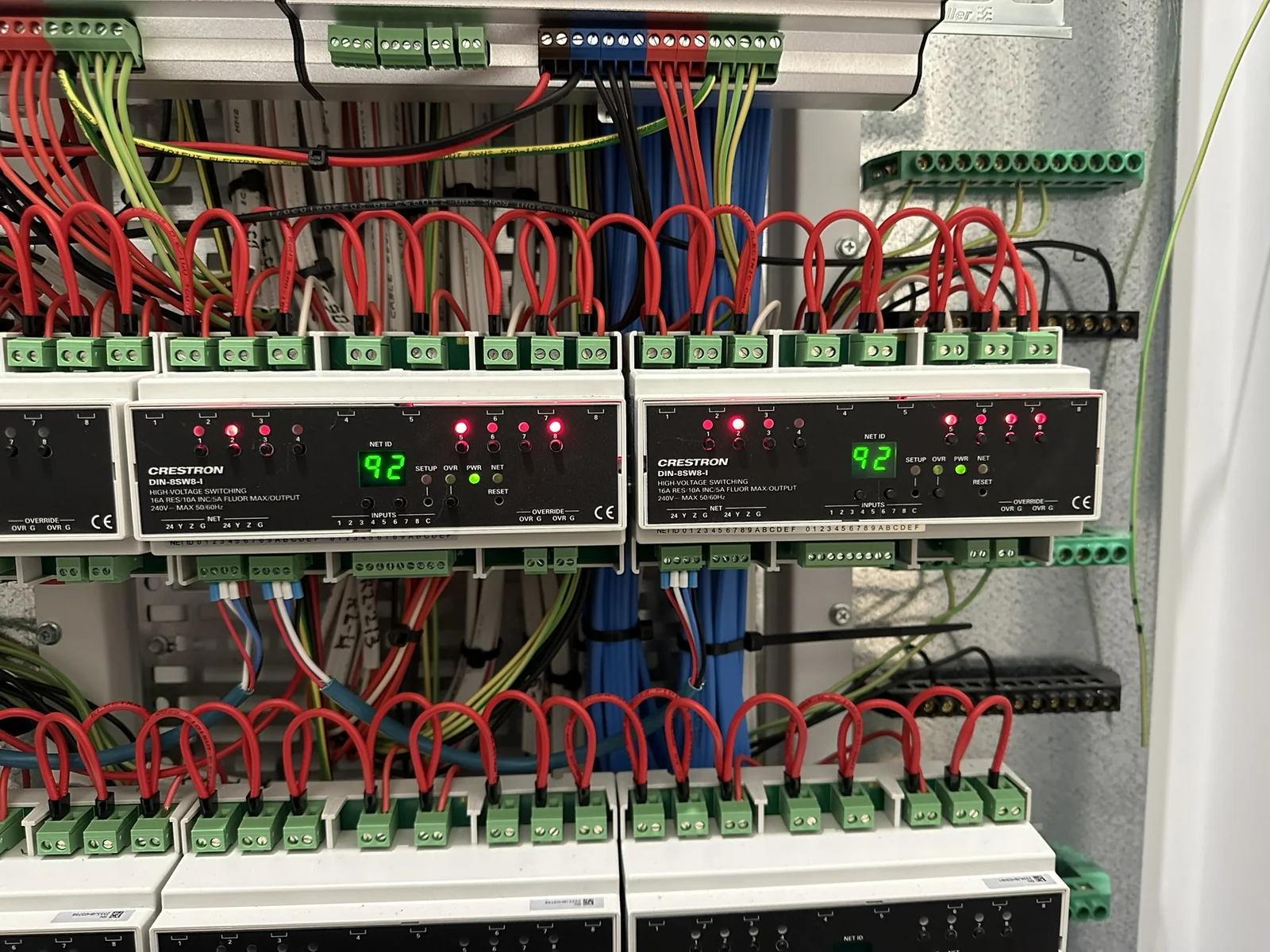
- Switchboard modules. Crestron dimming and switching modules mount on DIN rail in the switchboard, with each lighting circuit cabled back to them at frame stage. Dimming modules control brightness; switching modules (relays, in electricians’ terms) simply turn circuits on and off.
- Neatly wired at install. Switchboard DIN modules for switching and dimming are dressed and labelled so the board stays serviceable.
- Lighting schedule. During design we issue a schedule showing which lights dim and which simply switch, plus the switchboard layout, before rough-in.
- Sensors. Motion sensors for hallways, toilets and bathrooms, and daylight sensing so lighting adjusts to how bright it is outside.
- Tunable white. With suitable LED fittings, colour temperature (how warm or cool the white light looks) can follow the day: cooler and brighter in the morning, warmer at night.
- Scene design. Welcome Home, Relax, Dinner, Panic and Goodnight come as standard, and we add and rename scenes to suit you. Scenes can include blinds, heating and cooling and music as well as lights.
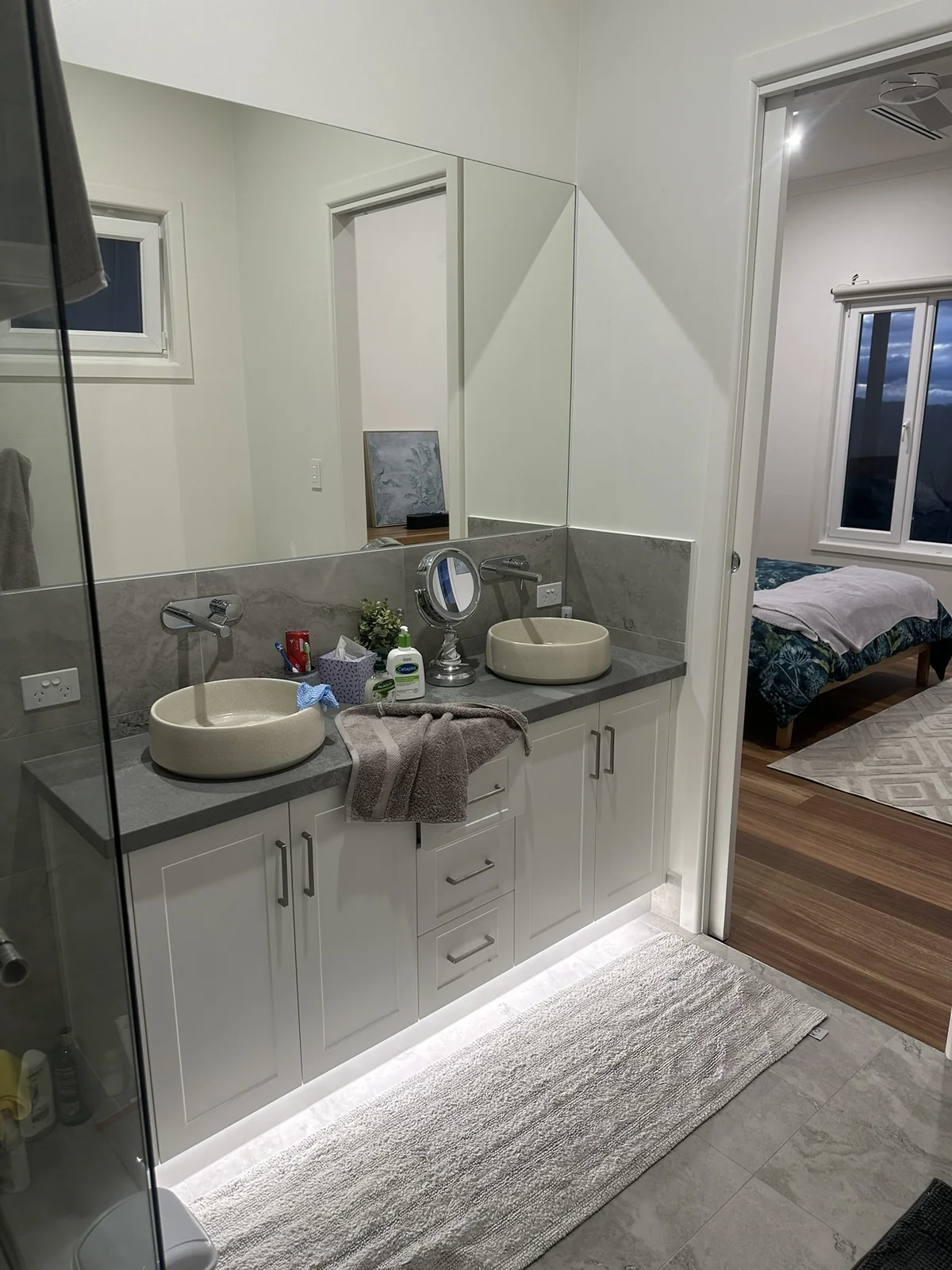
- Soft accents. Scenes can include under-cabinet and toe-kick glow in bathrooms and joinery, not only the main downlights.
Blinds and Curtains
Motorised Blinds, in Every Scene.
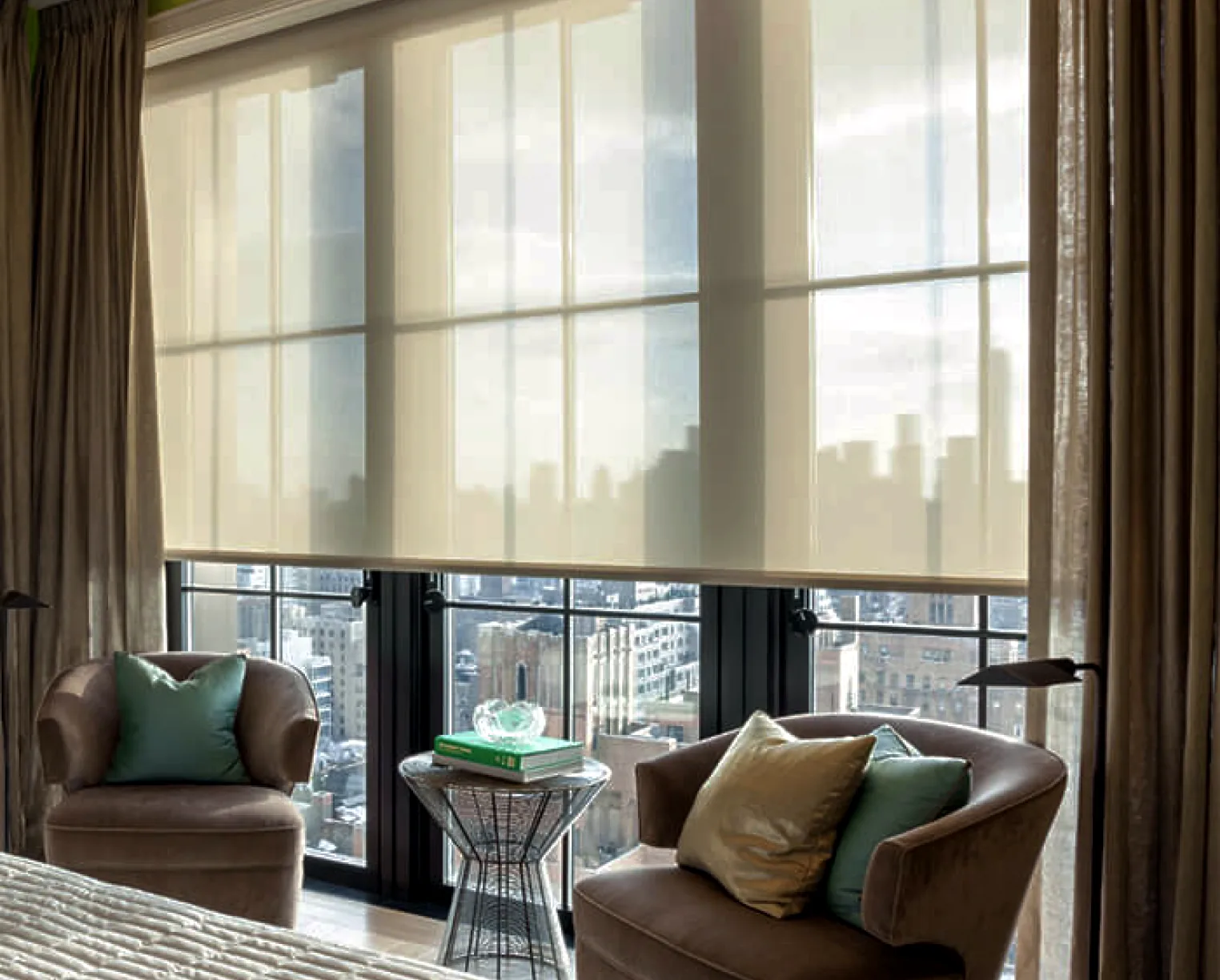
- Roller blinds, sheers and curtains, motorised and connected to the system, so they run from the same keypads, touch screens, remotes and app as the lights.
- We can supply and install them, or work with your preferred blind supplier and connect theirs to the system.
- Wired motors suit new builds, with power and control cabling planned to every window at frame stage. Battery or wireless motors suit renovations.
- Auto and Manual modes, holiday mode, and closing when the alarm is armed if you want it.
Climate
Every Zone, in the Same App.
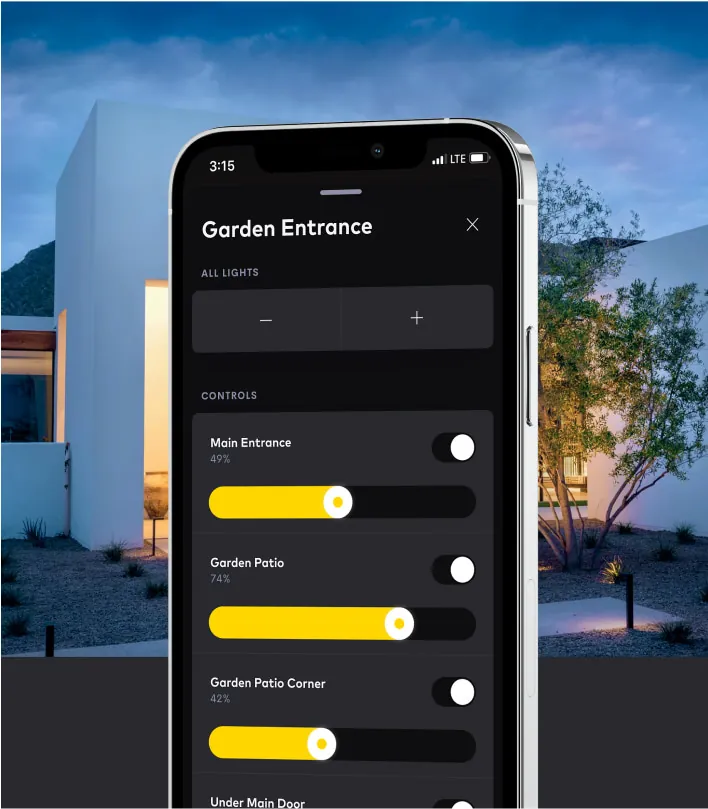
- Phone and touch-screen control. Zones and settings are controlled in the app on your phone and on the house touch screens.
- Remote sensors. Small temperature and humidity sensors sit discreetly in each room, with control from the screens, keypads, remotes and app.
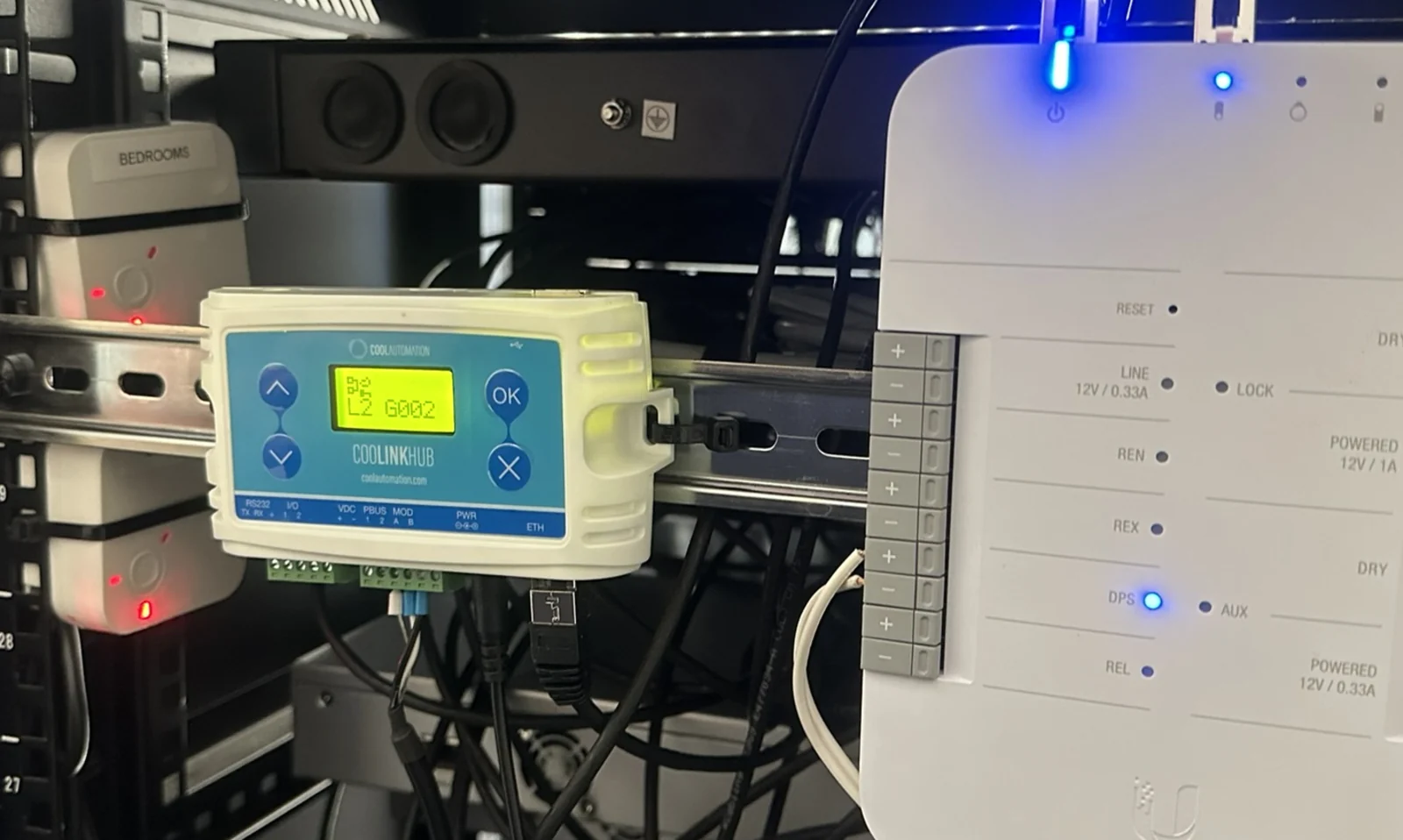
- CoolAutomation® for ducted and split systems. CoolAutomation makes an interface that links ducted and split air conditioning into the system, so every zone shows in the app with full control and live feedback.
- Works with what you have. Crestron Home works with most common heating and cooling systems, including ducted and multi-zone systems. We confirm how yours connects during design.
- Fans too. Ceiling fans on low, medium, high or off, and bathroom exhaust fans that switch off after an hour.
Audio and Video
Video and Music, to Any Room.
DM NVX® Video
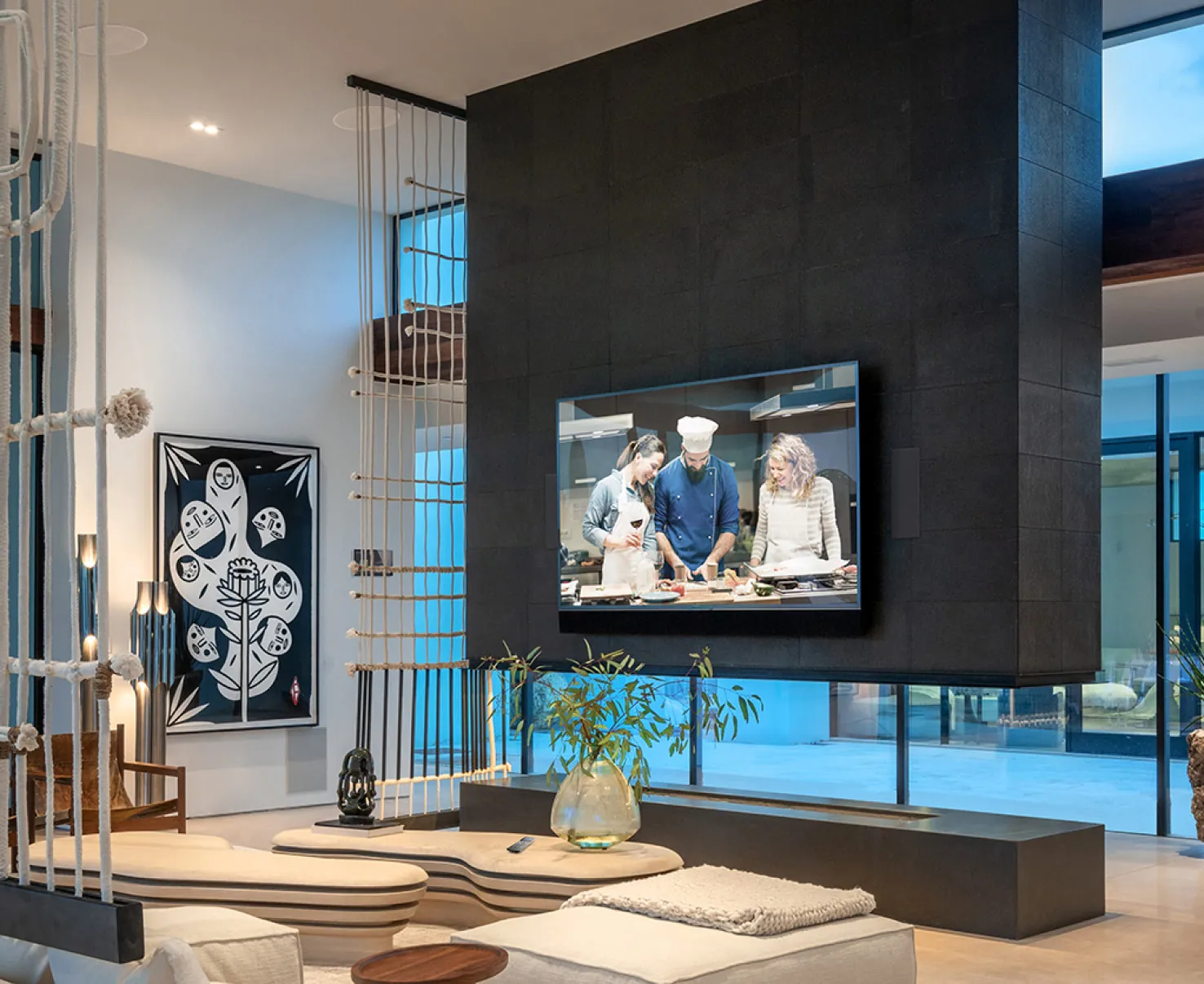
Crestron’s DM NVX family sends video over the network, so the streaming boxes, games consoles and disc player in the rack can play on any TV in the house, in 4K. Each TV and projector gets two data points: one for video, one for the network.
Multiview
Recent platform releases can show several video sources on one TV at once, side by side or picture-in-picture.
DM NAX® Audio
Rack-mounted Crestron amplifiers with streaming built in, each running several zones (rooms or areas that can play their own music), scaled from a few rooms to the whole house.
Sonos® Alongside
Sonos speakers and amplifiers join the system, so they play from the same app, touch screens, keypads and remotes.
Surround Sound
From surround sound in a living or activity room to immersive sound with height speakers overhead in a dedicated cinema or media room, with the speaker layout, subwoofers and screen designed around the space.
Consoles Your Way
A wall plate for a games console, or leave the console in the rack and play it on any TV.
Security
Security and Entry, Working as One.
Inner Range Alarm
Controllers, keypads wherever they suit (the foyer and the garage internal door are popular spots), motion detectors, door and window contacts, swipe-card readers and electronic locks. Inner Range always talks to the system over your home network, so the alarm and doors appear in the same app.
UniFi® Door Access
If you don’t want an alarm, doors and readers can be handled by a UniFi door access system instead of Inner Range.
ekey Fingerprint
One scan at the front door unlocks it and disarms the alarm together.
UniFi® Cameras
High-resolution UniFi cameras, as many as your property needs, covering areas such as the porch, garden, garage, alfresco and back yard. A recorder keeps motion-triggered footage, with storage sized to how long you want to keep it. Any camera can be watched live on any touch screen or phone.
2N Video Intercom
A 2N video intercom at the front door or gate, answered on an indoor screen near the kitchen, the house touch screens and your phone.
Gates and Garage
Control and position feedback in the app, and garage remotes that also disarm the alarm.
Installed by our team of licensed security installers.
Support
Reliable Today, Better Over Time.
- Local first. Keypads, touch screens, scenes and schedules run on your home network. Control from outside the house, and anything that streams from the internet, waits until the connection is back.
- Regular updates. Crestron Home receives regular updates with new features, and we install them for you.
- Remote support. Optional, with your say-so: your system can be registered with Crestron’s remote monitoring service, which backs up its configuration. We can log in remotely for fault-finding and updates when you ask — encrypted, never used for marketing, and day-to-day control stays in the house. Many issues are sorted without a visit.
- Our own modules. On top of the platform, our qualified software engineers write the custom modules (drivers, in platform terms) that connect it to other equipment. They run locally on the processor in your home, not in the cloud, with no third-party licence fees or subscriptions and no outside company to depend on. We keep them up to date as part of ongoing support, and can change them whenever your system needs it.
One team afterwards. Changes, additions and updates stay with the team that designed and installed your system.
Next Step
Questions About the Detail?
Tell us about your project, and we’ll talk you through how it would be built.